
One launcher, every product.
Sign in with the account you use here and everything you hold is already in the library. One installer, whichever products you own.
Windows 10 or 11, 64-bit. About 20 MB.
Setup instructions
Once, in this order. After that you only open the launcher and press Launch.
-
Close any game you plan to use this with.
-
Run the installer as Administrator, and open the launcher that way every time.
-
Sign in with the account you use on this site.
-
Redeem your key if the product is not already in your library.
-
Pick the product you want and press Launch.
-
Let any updates finish. The launcher then reads "Waiting for game".
-
Start the game. Everything from here happens on its own.
-
Once the overlay is up, the launcher can be closed.
The app
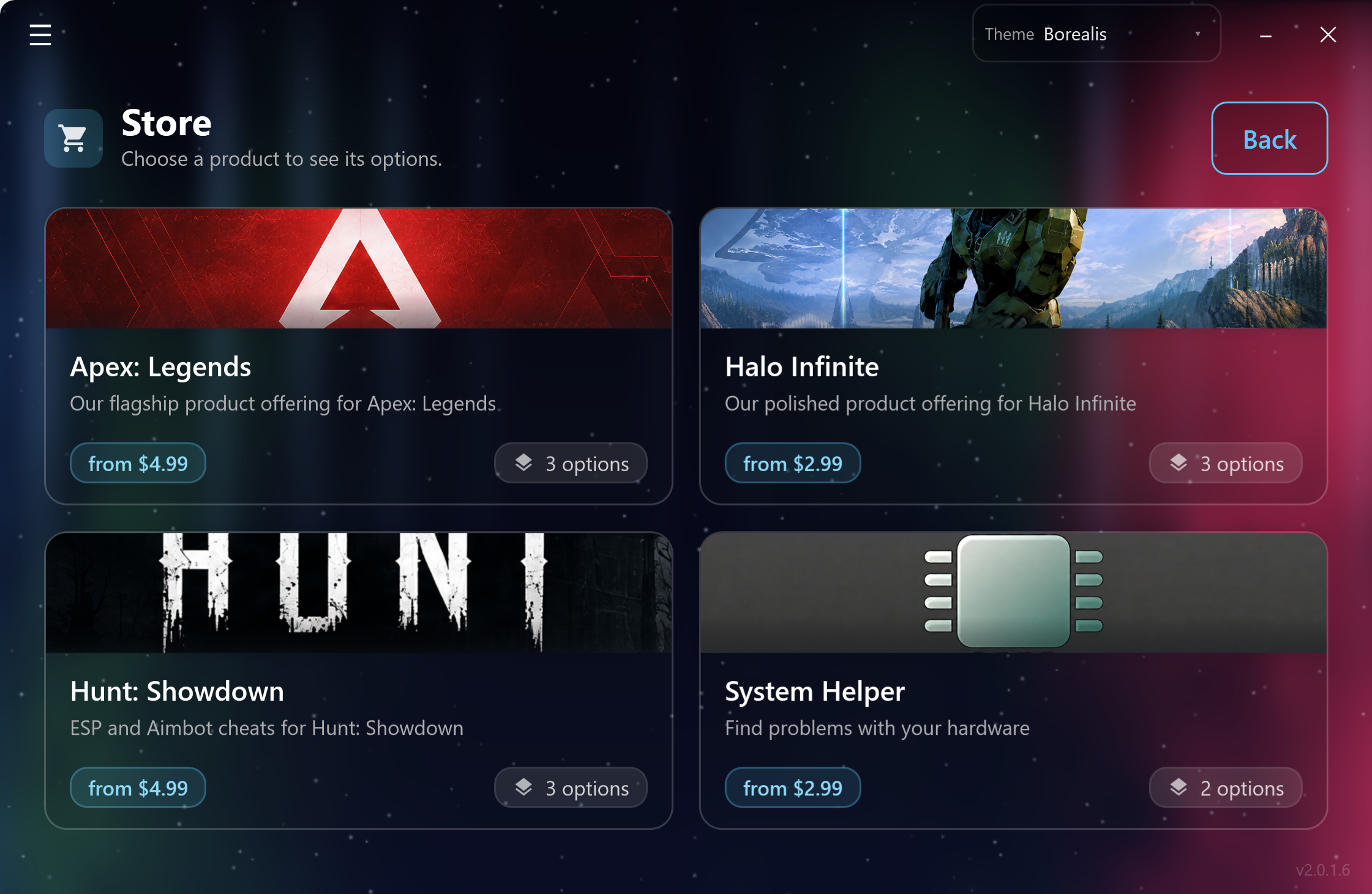
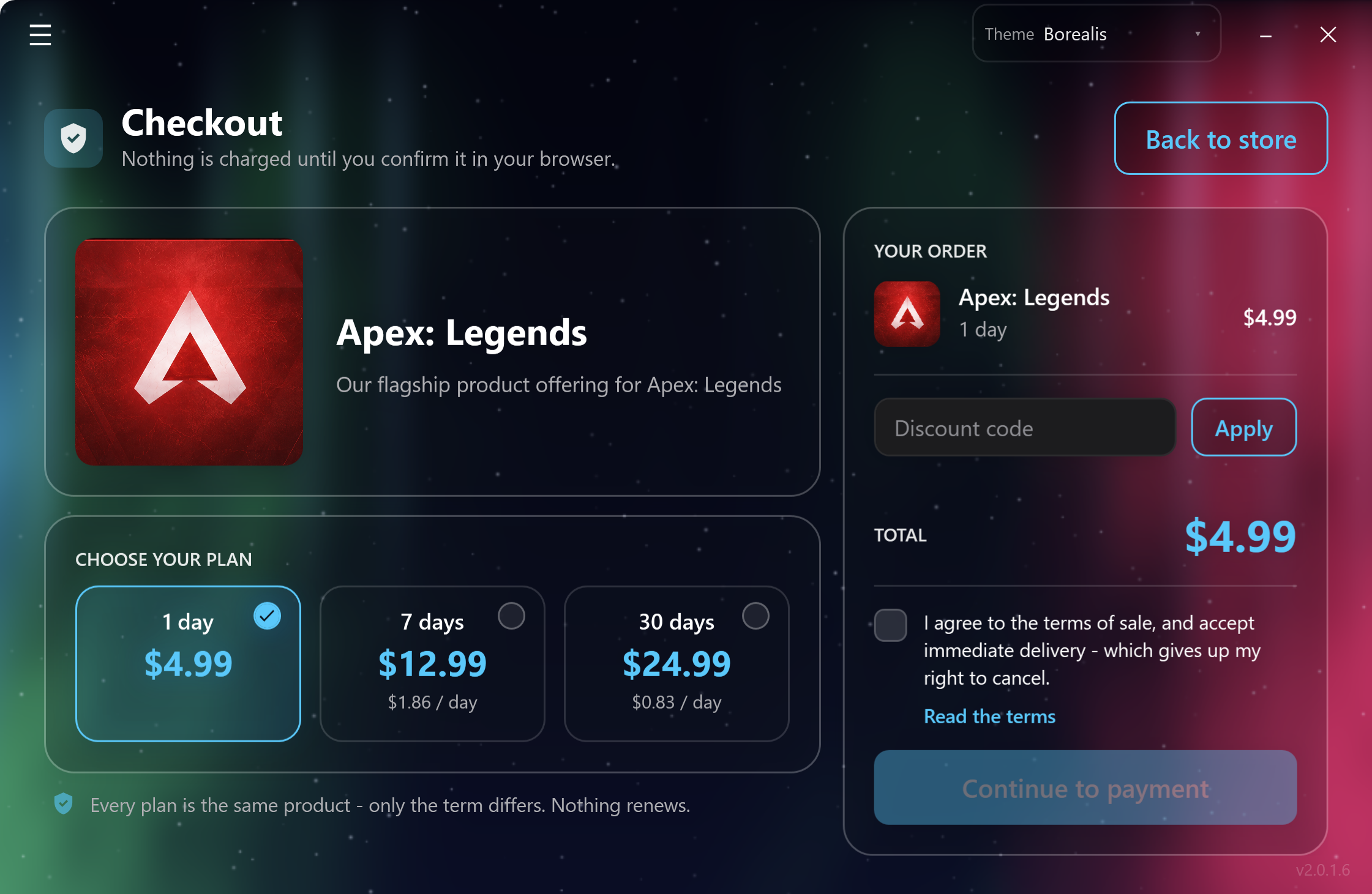
Screenshots from the current build.
Checkout
The store is in the launcher as well, on the same account and at the same prices as this site. A key bought there is in your library the moment the payment clears, so there is nothing to paste and nothing to wait for.